
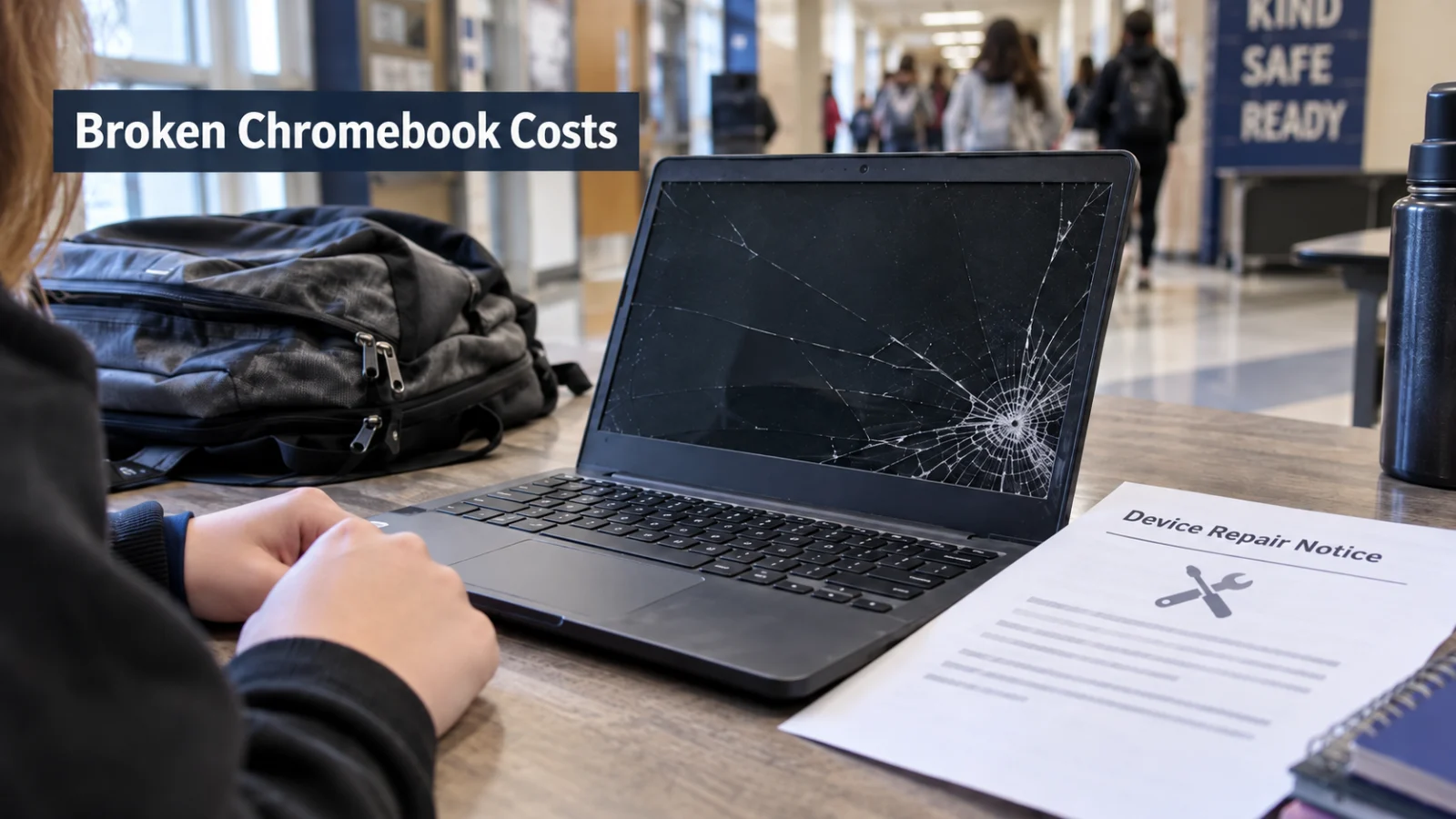
A cracked screen can mean a $30 or $35 bill. A lost Chromebook can cost hundreds. At some JCPS schools, an unpaid repair charge can also mean the device stays at school. The exact amount and consequences depend on the school and what happened to the device.
A broken JCPS Chromebook can cost a family $30 for a screen at one school, $35 for a first accidental screen at another, or hundreds of dollars if the device has to be replaced.
JCPS does not require families to pay a district technology fee. But its Everyone:1 Device Usage Agreement says the district can charge for device damage, loss or theft. The agreement also allows students to be classified as Day Users based on their use and care of the device, meaning the Chromebook stays at school.
The district's 2026 to 2027 School Fees Guidelines draw another line. Ordinary school fees do not include restitution, meaning repayment for damaged items. The Board's school fee materials also say regular school fees are set by individual schools and overseen through their Site Based Decision Making Councils.
Neither district document provides one repair price that applies to every Chromebook at every JCPS school. JCPS Insider also did not locate a single districtwide Chromebook damage price sheet in the public district materials reviewed for this story.
JCTMS has two public rules that do not completely match
Jefferson County Traditional Middle posted a Chromebook distribution notice on August 4, 2026 saying each repair costs $35.
The same notice says students with two or more outstanding repair charges will become Day Use students and will not be allowed to take their Chromebook home until the charges are reconciled. Used charging cords cost $10 and new cords cost $25. Questions are directed to Ms. McKinney at kim.mckinney@jefferson.kyschools.us.
The school's technology handbook gives families a more detailed repair schedule.
It lists:
No charge for certain problems including reconnecting a screen cable, reconnecting a touchpad cable, a faulty keyboard and some wireless issues.
$35 for missing keys, debris related keyboard problems, broken plastic parts, a first accidentally damaged screen, certain charging port damage and several other repairs.
$55 for a second or later damaged screen or intentional damage to the student's assigned device.
$105 for intentional damage to another student's device.
$185 to $285 for a lost Chromebook or one JCPS IT determines is condemned.
The handbook says families pay through MySchoolBucks and are given 30 days to make the payment. It then says the student becomes a Day User until the charge is paid.
That leaves JCTMS families with two different public instructions.
The August notice ties Day Use status to two or more outstanding repair charges. The handbook says families have 30 days to pay before the student becomes a Day User. The August notice also describes each repair as $35, while the handbook lists several different amounts.
JCPS Insider did not find a public JCTMS explanation reconciling those instructions. A family receiving a JCTMS repair bill should ask which rule is being used for that charge.
Brown charges $30 for a broken screen
Brown School's August 12, 2026 family newsletter says a broken Chromebook screen carries a $30 repair obligation.
The school's technology coordinator contacts the family about repairs or replacement and the amount owed. While the screen obligation remains unpaid, the student receives a loaner Chromebook that must be checked out and returned each day. Once the obligation is paid, the student receives a replacement Chromebook that can go home.
Brown also lists used replacement chargers at $10 and new chargers at $25, payable with cash or a check made out to Brown School.
Technology questions are directed to School Technology Coordinator Drew Paige at andrew.paige@jefferson.kyschools.us.
The notice does not specify how the $30 screen obligation itself is paid.
Lassiter listed a $362 Chromebook replacement
Lassiter Middle's May 2026 Chromebook collection notice listed:
$362 to replace a Chromebook.
$30 for a broken screen or missing keys.
$15 for a charger.
Lassiter also told families that students who did not return their device and charger would not be issued a device the following school year.
The public notice does not specify a payment method.
Because those amounts came from Lassiter's spring 2026 collection, a family receiving a new charge during the 2026 to 2027 school year should confirm the current amount with the school before paying.
JCPS can keep the Chromebook at school
The district Device Usage Agreement says taking a device home is a privilege based on acceptable use and care of the device. A student can be designated a Take Home User or Day User. Day Users still have access to a device during the school day, but it remains at school.
At the schools reviewed here, unpaid repair or replacement charges are one way that can happen.
Brown keeps the replacement device at school while its screen obligation remains unpaid. JCTMS also uses Day User status, although its August notice and technology handbook describe different triggers.
Those examples are the published procedures at the schools reviewed for this story, not a districtwide enforcement schedule for every JCPS campus.
What about the JCPS fee waiver?
The Board's 2026 to 2027 school fee materials say regular school fees are not charged to students with completed and approved Instructional Fee Waiver Request Forms.
JCPS also asks families to complete the Educational Benefits Form to determine eligibility for benefits that can include school fee waivers. Current JCPS school information continues to direct families to the EBF for that purpose.
But the district's fee rules exclude restitution for damaged property from the ordinary school fee category.
JCPS Insider did not find a public district rule saying an instructional fee waiver automatically eliminates a Chromebook damage or replacement obligation.
A family dealing with financial hardship should ask specifically about Chromebook restitution or damage charges, rather than assuming the ordinary school fee waiver covers the bill.
Before you pay a Chromebook charge, get these answers
What exactly happened to the device? A cracked screen, missing keys, charger, lost device and condemned Chromebook can produce very different charges. If a device is reported stolen outside school, the district Device Usage Agreement says parents must notify police and provide the school administration with a copy of an official police report.
Which current school rule is being used? This is especially worth asking at JCTMS, where two public sources describe different Day Use triggers and different repair pricing.
Is the damage being classified as accidental, repeated or intentional? JCTMS publicly lists different charges for those situations.
If the Chromebook is being replaced, what value is the school using? The examples reviewed here range from $185 at the low end of the JCTMS replacement schedule to $362 in Lassiter's May 2026 notice.
When is payment due, and what happens if it is not paid? JCTMS's handbook gives families 30 days. Brown keeps the replacement Chromebook at school while the screen obligation remains unpaid.
How do I pay? JCTMS directs families to MySchoolBucks. Brown says replacement chargers can be purchased with cash or check. Lassiter's public collection notice does not specify a payment method. Parents trying to find MySchoolBucks can use JCPS Insider's complete parent app and login guide.
Who handles the charge? JCTMS directs Chromebook questions to Ms. McKinney. Brown directs technology questions to Drew Paige. If your school's notice does not name a contact, ask the school office who handles Chromebook repair and replacement obligations.