
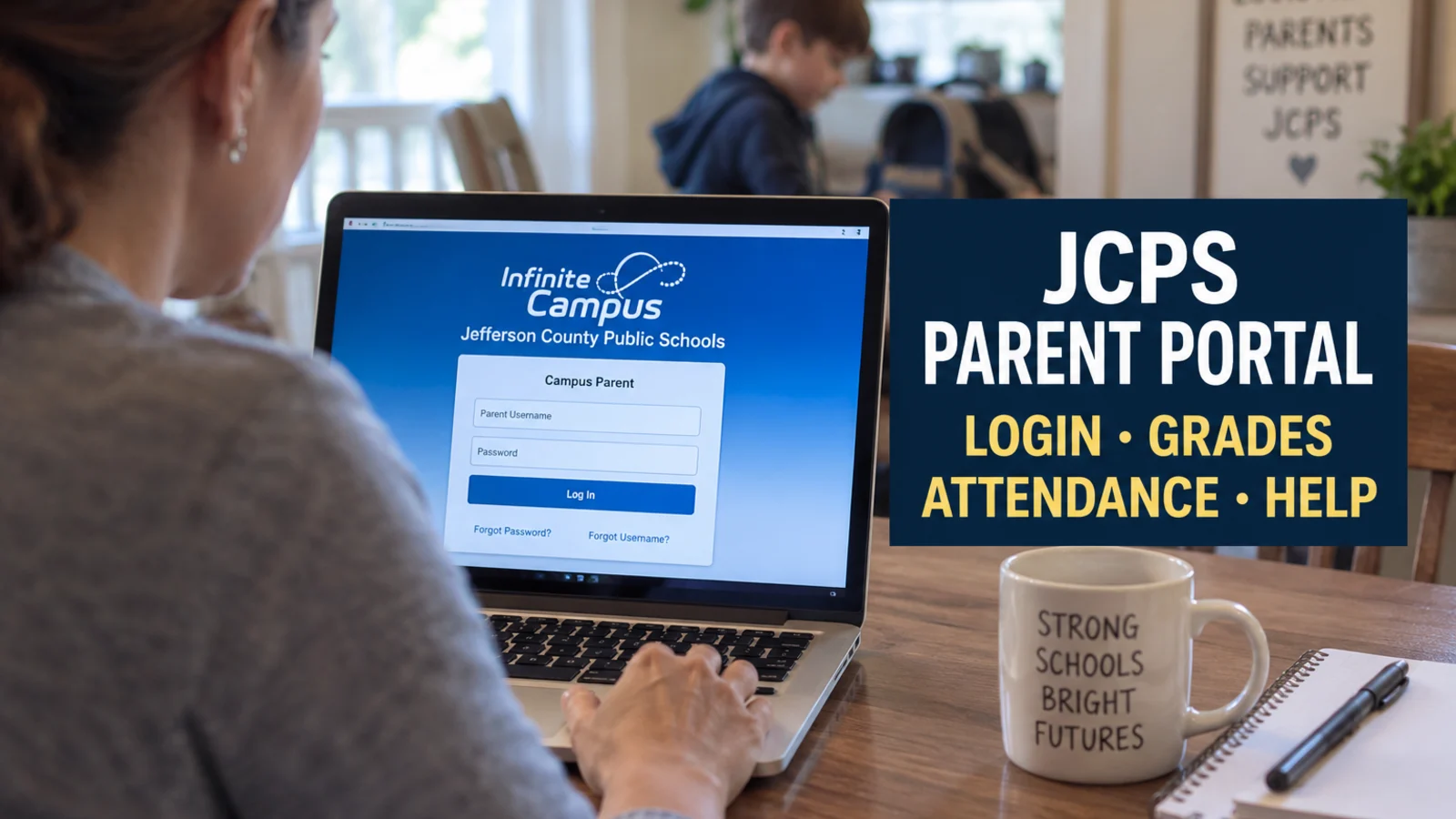
If you are trying to check your child’s JCPS grades or attendance and keep landing on the wrong login screen, there is a reason.
JCPS parents can have two different accounts.
Infinite Campus Parent, also called Campus Parent or the Parent Portal, is the account for grades, assignments, attendance and schedules.
The separate JCPS Parent Account is used for district services such as required forms, school applications and family information. Some JCPS school pages still call this system Parent Place, so you may hear both names.
If you want to see whether your child missed first period or what grade is showing in math, Infinite Campus is the place to start.
Go straight to the correct JCPS login
The screen should say Campus Parent and Jefferson County Public Schools. It asks for your Parent Username and password and includes separate links for a forgotten password and forgotten username.
Use this page for JCPS Parent Portal information and account help.
This is the other account. It connects families with JCPS managed services including forms, school applications and family information.
If the page in front of you says JCPS Parent Account instead of Campus Parent, you are not on the grade and attendance login.
What you can find in Infinite Campus
JCPS says its Parent Portal allows families to monitor:
Attendance
Assignments
Daily grades
Class schedules
Bus information
Health information
Infinite Campus can also make report cards, transcripts and other student documents available to parents, depending on what JCPS has published and which portal tools are enabled.
Families with more than one student can switch between children within the same parent account.
How to check grades
After signing in, choose the student you want to view and open Grades.
Infinite Campus distinguishes between posted grades and in progress grades.
Posted grades appear in bold. In progress grades are current calculations based on the assignment scores entered so far. Parents can open a grade to see contributing categories and assignments when those details are available.
Elementary and secondary grade screens also will not always look identical. Infinite Campus supports different grading tasks, standards and school settings, so what appears can vary by course and grade level.
If a grade appears incorrect, an assignment seems missing or you have a question about how a score was calculated, contact the teacher or school.
An Infinite Campus password reset will not fix a gradebook issue.
Where to find report cards and transcripts
If JCPS has published a report card or transcript to your student’s portal, check Documents.
A missing document does not automatically mean your account is broken.
If you need an official transcript and cannot find what you need in Campus Parent, contact the school.
How to check attendance
Attendance information is available through Campus Parent along with the student’s other school records.
If your child was marked absent or tardy and you believe the record is wrong, contact the school.
The portal displays the attendance record. The school is the place to ask about correcting it.
Forgot your username or password?
Do not start by creating another account.
The current Campus Parent login screen has separate Forgot Password? and Forgot Username? links.
Try the appropriate recovery option first.
If the system still cannot identify you, the problem may be the information JCPS has on file.
If you have changed email addresses, changed a name or believe the family record is wrong, contact your child’s school.
JCPS also has an online household update process for families who need to change an address, email address or phone number. Families using that process must provide current proof of residence showing the parent or guardian’s name and address and dated within the previous 30 days.
What is a Portal Activation Key?
Some JCPS account and application processes use a Portal Activation Key.
The activation key can be used when setting up a Parent Portal account or accessing certain student services. Families who need one can get help through their child’s school or the district account setup process.
If you already have a working Parent Portal account, you normally should not need to create another account simply because you forgot your password.
Can you use Campus Parent on your phone?
Yes.
Infinite Campus offers a Campus Parent mobile app in addition to the browser version.
The app can provide access to grades, assignments, attendance and other Campus Parent tools that JCPS has enabled.
When setting up the app, select Jefferson County Public Schools in Kentucky and use the same parent credentials you use for Campus Parent.
Who to call when the login still does not work
Start with your child’s school if:
Your child is missing from the account
Your name or email does not match district records
An attendance record looks wrong
A grade or assignment appears incorrect
You need help confirming the student information connected to your account
For a technical problem with a JCPS application or service, call the JCPS IT Service Desk at 502 485 3552.
For general district help, JCPS lists 502 313 4357 and jcps.help@jefferson.kyschools.us.
The school is usually the better first call when the problem involves your child’s record. The IT Service Desk is the better route when the information is correct but the technology itself is not working.