JCPS parents looking for a bus stop and parents looking for a moving bus need two different tools.
Bus Teller shows your child's assigned bus stop, bus number and scheduled transportation information.
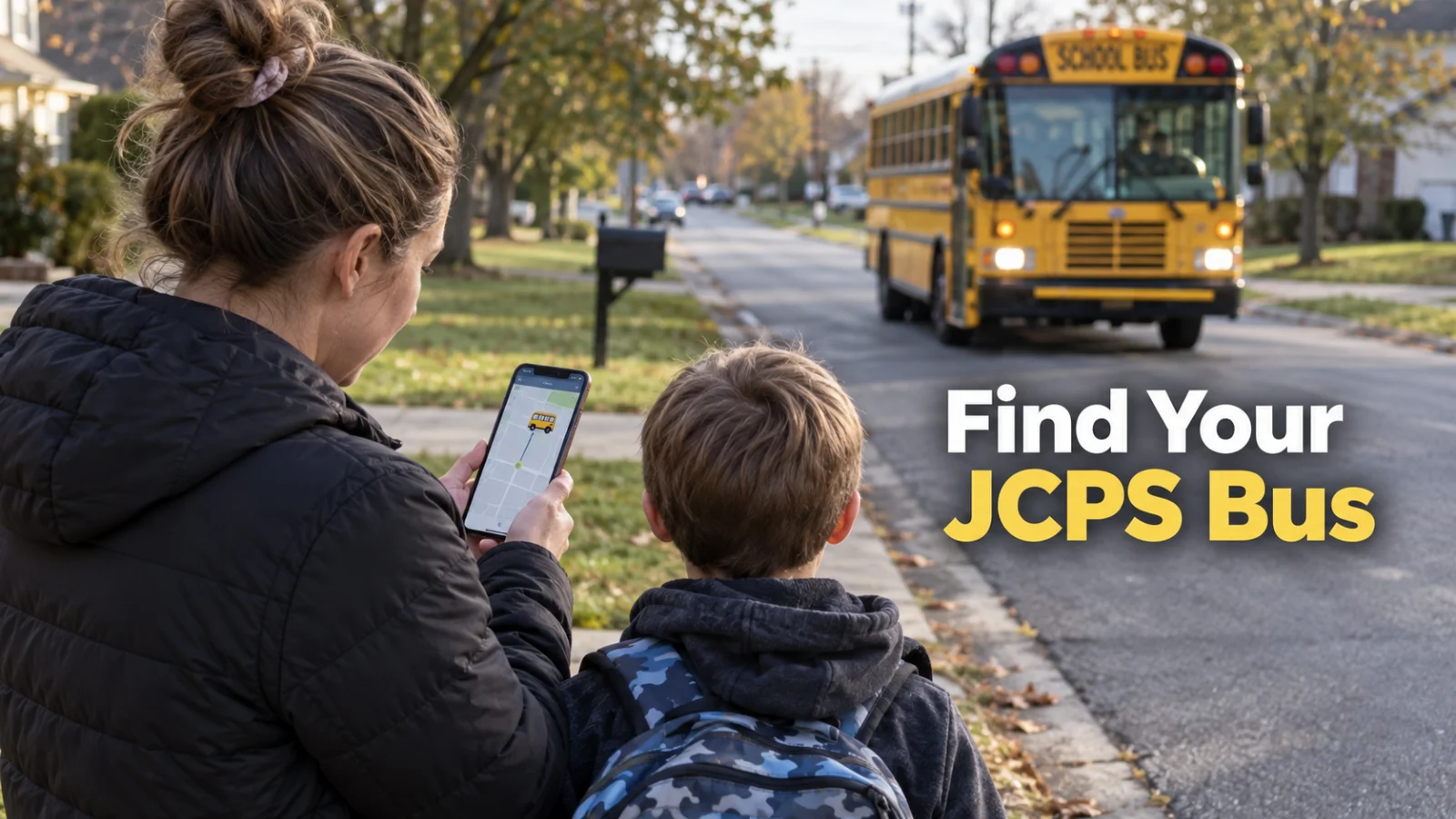
My Ride K 12 shows the bus on a live map and provides estimated arrival information.
So if you are trying to figure out where your child is supposed to catch the bus, start with Bus Teller. If you are already waiting and wondering where the bus is, open My Ride K 12.
Find Your Child's Assigned Stop in Bus Teller
Bus Teller is accessed through the JCPS Transportation Portal.
Transportation Portal: jcps.me/transportation
https://cloudapps.jefferson.kyschools.us/TransportationPortal
JCPS uses Bus Teller to provide a student's bus stop location, pickup and drop off times and transportation assignment. Bus stop assignments for the 2026 to 2027 school year appeared in Bus Teller in late July.
The Transportation Portal gives parents two main ways to sign in. You can use a Parent Place account, or sign in with an email address or phone number already listed in Infinite Campus plus the date of birth of a child in your household.
If the portal does not recognize your email address or phone number, check whether the school has your current contact information in Infinite Campus before assuming Bus Teller itself is not working.
JCPS Insider's complete JCPS parent app and login guide explains how the Transportation Portal fits alongside Parent Place, Infinite Campus and the other accounts families may encounter.
Track the Bus With My Ride K 12
JCPS introduced My Ride K 12 for the 2026 to 2027 school year. Families could begin linking students in the app on July 27. It uses bus location data to show the assigned bus on a map and provide estimated arrival information. JCPS says families can also see daily substitute bus information after linking a student.
Parents can use the mobile app or the web version.
My Ride K 12 web version: myridek12.tylerapp.com
JCPS says to open the web version in Chrome.
Official JCPS setup instructions: https://www.jefferson.kyschools.us/article/2895007
To set it up:
Search for My Ride K 12 in the Apple App Store or Google Play Store, or open the web version in Chrome.
Create an account with your name, email address and password.
Verify the account through the confirmation email.
Search for Jefferson County Public Schools Louisville KY and select the district with the official JCPS logo.
Link your child using the student's JCPS identification number, last name and date of birth.
JCPS says the student identification number can be found through the Transportation Portal. Once the student is linked, parents can see the assigned bus, live location and substitute bus information. The Share feature can also provide access to a grandparent, babysitter or another trusted caregiver.
JCPS also recommends turning on push notifications for transportation updates.
Do not treat the live map as perfect.
On the first day of school, WAVE reported parents having problems accessing My Ride K 12, and Superintendent Brian Yearwood acknowledged that the new app had glitches that needed to be worked through.
JCPS still tells regular bus riders to be at their assigned stop at least five minutes before the scheduled time.
My Ride is useful, but do not use it like a food delivery app and send your child outside only when the bus icon appears to be around the corner.
What About the Older JCPS Bus Finder?
A separate public JCPS bus page is still online at https://apps.jefferson.kyschools.us/BusRoutes/Public. It is labeled Bus Routes Public. It lets a user select a school and optionally enter a street name.
A nearby stop found through that search should not be treated as proof that your child is assigned to that stop. JCPS says students are expected to ride their assigned buses and leave the bus at their regular designated stop unless a change is approved.
For your child's actual assignment, use Bus Teller.
What If No Bus or Stop Appears?
Start with the Transportation Portal and make sure JCPS has a transportation request for your child.
JCPS required families to complete Transportation Verification for the 2026 to 2027 school year. June 8 was the deadline for eligible riders to be guaranteed transportation for the first day. Families who missed that deadline were not guaranteed district transportation for at least the first two weeks of school.
That deadline has passed, but it can still help explain why a student who was added later did not immediately receive an assignment.
Also check the address JCPS has on file. The district specifically tells families who have moved to notify their child's school.
If you still cannot find the correct route or stop, contact the school or JCPS Transportation Services at 502 485 3470. The main Transportation Office lists school year hours of 7 a.m. to 5 p.m. Bus compound offices are listed at 5 a.m. to 6 p.m. After school begins, route information may sometimes be available more quickly from the appropriate compound.
Do not rely on an old post telling you to call 485 RIDE. JCPS has closed that temporary hotline for the 2026 to 2027 school year and now directs families with transportation questions back to their school and district transportation resources.
What If the Assigned Stop Looks Unsafe?
JCPS has written distance limits for regular bus stops. The district's Transportation Services Policy says elementary stops should be one half mile or less from the student's residence, while middle and high school stops may be up to one mile away.
A shorter walk with no sidewalk, poor visibility or a difficult road crossing may create concerns that are not obvious from the mileage alone.
JCPS Insider has a separate guide explaining how far JCPS can make a student walk to a bus stop and what to do if the route looks unsafe.
If you want JCPS to review a stop, save the assigned stop information and document the specific part of the walking route that concerns you.
Early Childhood and Special Transportation Work Differently
The Transportation Portal says students with Special Needs Transportation documented in an IEP and Early Childhood students do not use the regular Transportation Verification form.
For Early Childhood transportation, JCPS says the school will provide the child's bus information. A parent, guardian or other authorized person who is at least 16 must meet the child, and families should be outside at least ten minutes before the scheduled stop time. If an authorized person is not there, JCPS says the student will be returned to school.
Minor Daniels Academy, Breckinridge Metropolitan High School and the Teenage Parent Program also use a different notification process. JCPS says those students are notified by their school about bus stop locations and times.
Save the Two Tools and the Bus Number
If your child rides a regular JCPS bus, save the Transportation Portal and My Ride K 12 on your phone. It is also worth saving your child's bus number. If the bus is delayed, substituted or involved in an incident, having the actual bus number makes it much easier to figure out what is happening.
JCPS Insider also has a guide explaining what parents should know if their child's JCPS bus is involved in an accident.